.svg)
REQUIREMENTS
-
You are a certified user on Synapse
-
You have contacted the DCC and they’ve provided you with your Synapse Project location
This option would typically be useful for uploading files residing on your local machine to a Synapse cloud storage location. You can follow the steps outlined below to complete a data upload.
Step-by-Step
-
Navigate to your project, using the Synapse link provided by the DCC
-
If prompted, please login with your Synapse account (or an associated Google account).
-
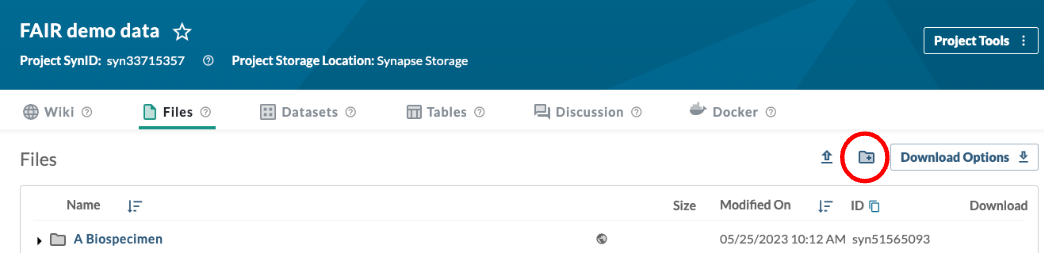
Note: If your DCC has not already created a folder for you, you can create a folder by selecting the Files tab and clicking Create a folder icon.
-
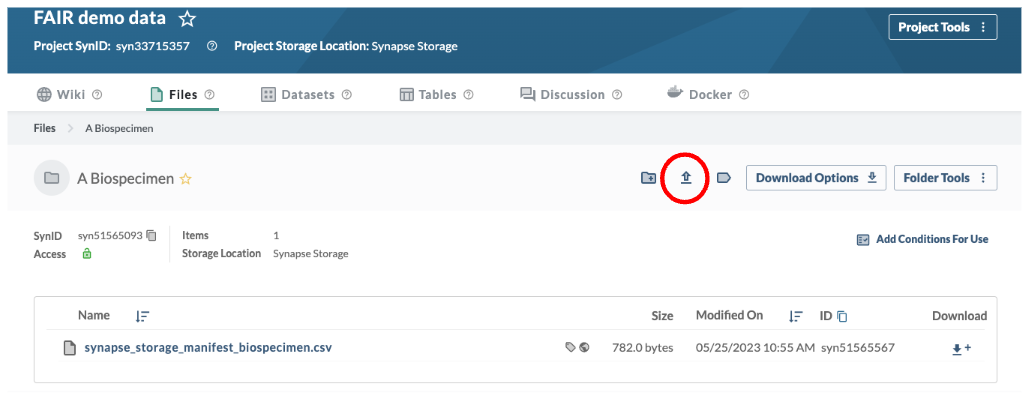
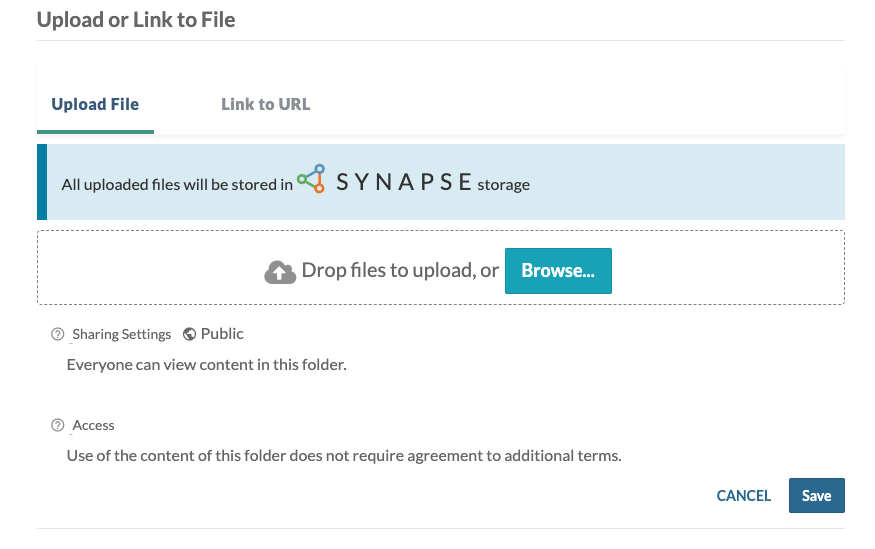
Go to your folder and upload the files from your dataset click on the Upload or Link to Folder icon